Best video length and loop tips for satisfying clips
There is no single best length for a short video. What matters is that the clip ends soon after its payoff and that nothing in the middle feels like waiting. A tight 15-second clip and a slower minute-long build can both work if every second moves the process forward.
This guide covers how to pace a simulation around its payoff, which settings change the length of a run, and how to make clips that loop without a visible seam.
How to pace a clip
- Find the payoff. Decide what the clip is for: the winner crossing the line, the container bursting, the last block breaking, the loop closing. Everything else is build-up.
- Shorten the build-up. Raise the speed, start with more objects or lower the target so the run reaches its payoff sooner. Preview again and check whether any stretch feels flat.
- Keep the end short. Choose an ending that resolves quickly (a burst, a winner card, a reveal) rather than a long fade. Viewers who reached the payoff should not have to wait for the clip to finish.
- Check the maximum. Each game has a maximum simulation length, shown on its page. If a run cannot reach its payoff in time, raise the speed or lower the target instead of fighting the limit.
Settings that change the length
Speed and tempo sliders, starting counts, targets (balls to reach, rings to escape, tiles to break) and course or track length all change how long a run takes. Races get longer with longer tracks and more contenders; multiplying games get shorter with a lower burst target.
How to make a seamless loop
A loop works when the last frame leads straight back into the first, so a viewer who watches twice does not notice the cut. Some games are built for this: Spin Loop clips loop frame-exact, Silhouette Fill shrinks back into the first ball, and Chomp Tank has a burst + rewind ending.
For other games, look for an ending that returns to an empty or calm state that resembles the start, and avoid a winner card or text on the last frame if you want the loop to stay invisible.
- Start in motion: a loop hides best when something is already moving in the first frame.
- Keep the same background and camera from start to finish.
- Put the hook in the picture, not in a title card that would only make sense once.
Games for this guide
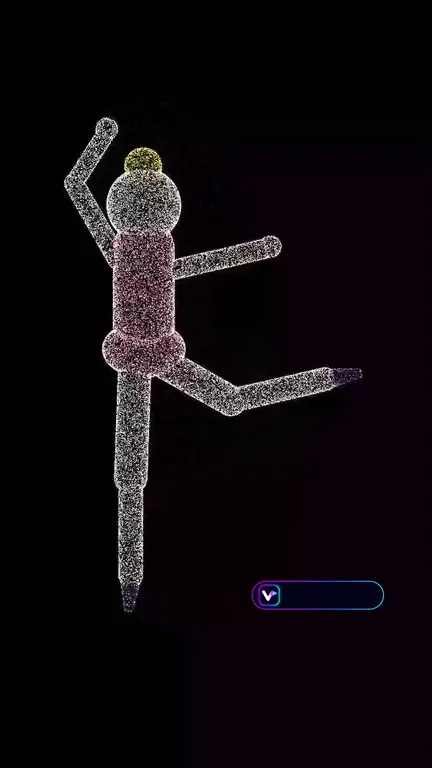 Spin Loop PRO: A dot-cloud sculpture spins on black in a perfect loop: the spinning-figure illusion where your brain can flip the direction. Pick a subject, the dot grain, colours, spin mode and loop length; every clip loops frame-exact.
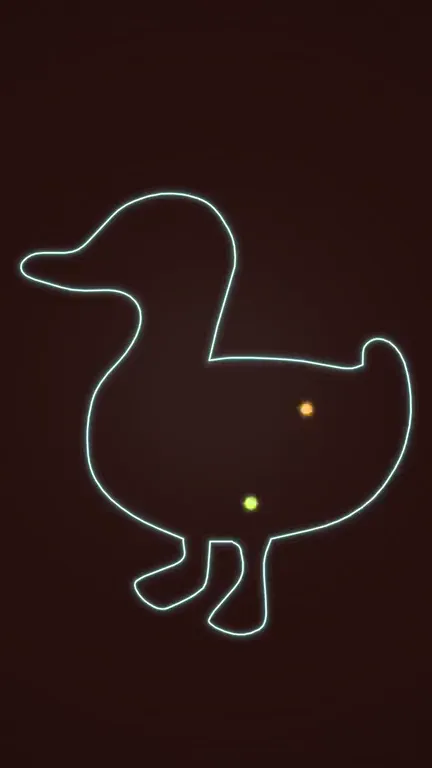 Silhouette Fill Loop CREATOR: A glowing silhouette outline fills with multiplying balls, soft bodies, liquid, sand, bubbles or beads. They fuse into a swirling fill, shrink back into the first ball and the clip loops without a seam.
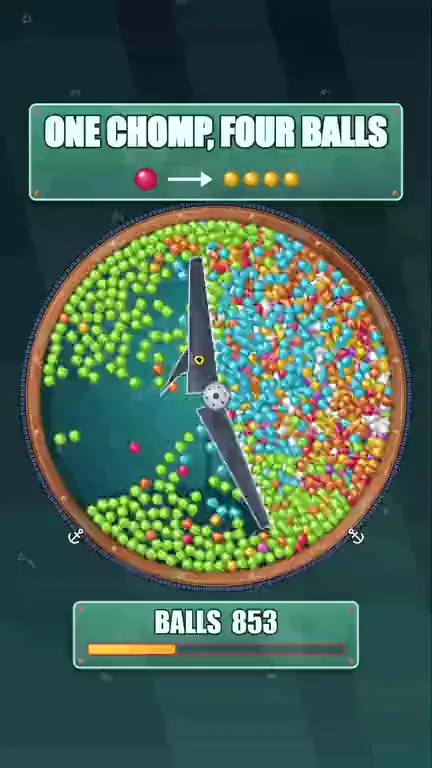 Chomp Tank: A snap-shut mechanism sweeps a sealed tank of drifting balls: every ball it bites turns into several balls of a new colour, the counter climbs and the tank bursts at the target. Six mechanisms, ten jaw designs, eight scenes and five tank shapes.
 Isometric Ball Wave: A layer of glossy balls on a mirror platform drops and bounces; distance-delayed gravity sweeps it through cones, funnels, vases, domes and rings, with a soft tick for every landing.
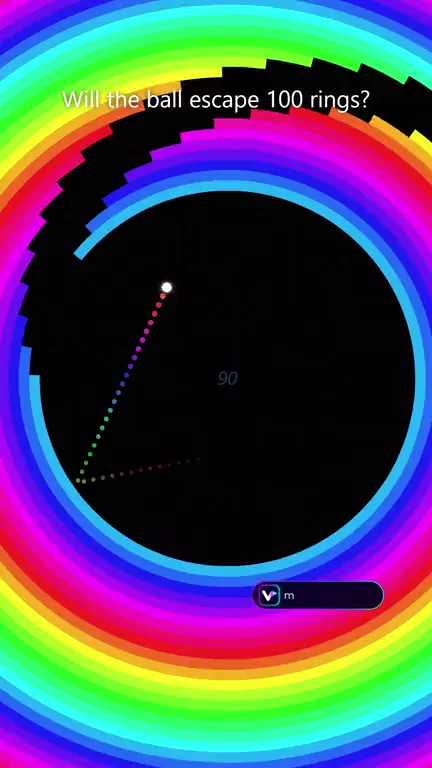 Ring Escape PRO: A small ball bounces inside up to 150 rotating concentric rings and slips out through each gap while the camera zooms out. Ring shapes, colour styles, rotation patterns, trails and a 1-3 ball race are adjustable.
Video makers for this
Questions
How long can a recording be?
It depends on the game: each game page states how many seconds its simulation runs at most.
Which games loop on their own?
Spin Loop loops frame-exact, Silhouette Fill shrinks back into its first ball, and Chomp Tank offers a burst + rewind ending.