How to make a marble race video
Marble races are one of the simplest formats to watch: a handful of named, coloured marbles, one track and one question, who wins? This guide walks through a marble race video from setup to recording.
Marble Race runs a seeded 3D race. The seed decides how the race plays out, so the same seed and settings replay the same race; that is what makes rematches, predictions and series possible.
How to make the race
- Open Marble Race. Open Marble Race in the studio. It runs in your browser, and you can preview without an account.
- Name and colour the marbles. Set up to six marbles. Use names viewers recognise or can pick a side for: friends, teams, countries or followers who asked to be in a race. Give each marble a colour that is easy to tell apart.
- Choose the track. Pick a wooden, neon or candy track and its length. A short track suits a quick versus clip; a long one gives more lead changes.
- Tune the physics. Adjust speed, bounce and friction. More bounce makes the race messier and less predictable; lower speed makes every overtake easier to follow.
- Preview seeds. Preview the whole race. You cannot pick the winner directly, but you can try seeds until you find a race with a close finish and keep that one.
- Record. Sign in and record. The race downloads as a vertical 9:16 MP4.
Ideas that keep viewers watching
Ask viewers to pick a marble in the first second, so they have a reason to stay until the finish. Run a two-marble versus for a rivalry, or six marbles for a standings battle. Because a seed replays the same race, you can post a rematch with new names on the same course.
Other race formats
For a different kind of marble or race clip: Marble Machine and Ball Slide merge marbles into bigger ones on the way down, Ring Escape races up to three named balls out of rotating rings, Stick Race sends named runners through a generated obstacle course, and Ball Barrier Race pits two lanes against each other down numbered barriers.
Games for this guide
 Marble Race CREATOR: Run a seeded 3D marble race and turn it into a vertical video. Name and colour up to six marbles, pick a wooden, neon or candy track and its length, tune speed, bounce and friction, then preview the whole race for free before you record.
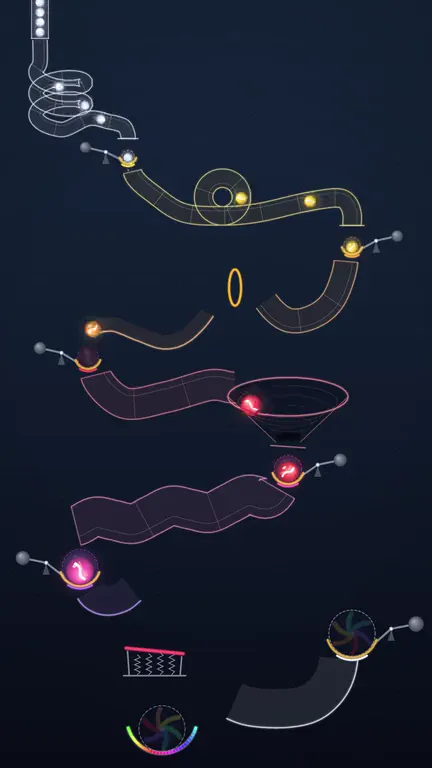 Marble Machine CREATOR: A hopper feeds small marbles into a chain of counter-weighted cups. Each cup fuses the marbles it catches into a bigger marble of the next colour and tips it onto the next contraption, until the rainbow marble lands in the bowl.
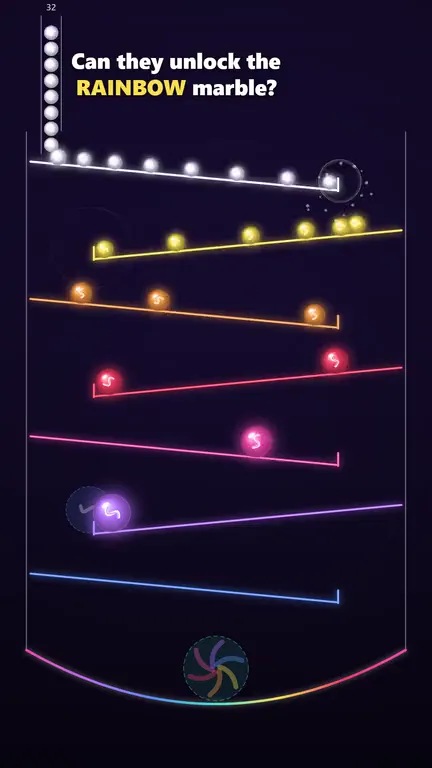 Ball Slide CREATOR: Marbles slide down a tower of alternating neon ramps; two that meet at a ramp lip merge into a bigger marble of the next colour until the rainbow marble forms in the bowl. A second rule set rolls one steel ball through self-healing glass pillars and multiplies its weight with every break.
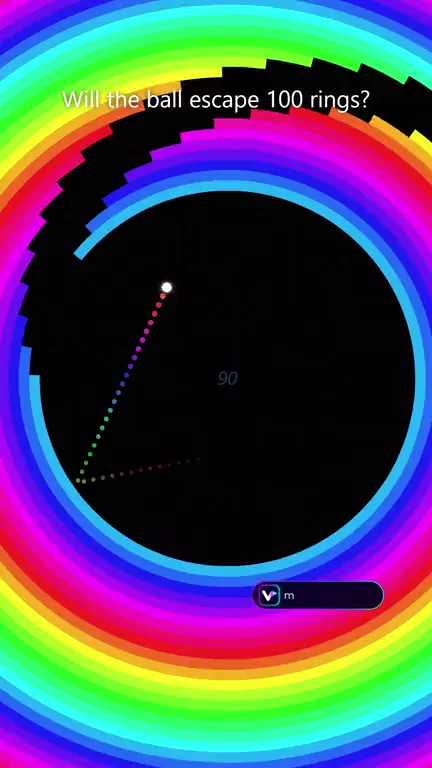 Ring Escape PRO: A small ball bounces inside up to 150 rotating concentric rings and slips out through each gap while the camera zooms out. Ring shapes, colour styles, rotation patterns, trails and a 1-3 ball race are adjustable.
 Stick Race: Stick figures sprint through a procedurally generated obstacle course of themed zones until one survivor finishes. Style presets switch the whole look, from classic night to storybook, 3D worlds and an arcade stadium.
 Ball Barrier Race: Two lanes race down numbered barriers or floor columns: power against crowd, 1 ball against 1,000 balls, or 5 balls against 1 accelerating ball. Neon, nebula, midnight and paper looks.
Video makers for this
Questions
Can I choose the winner?
Not directly. The race is a seeded simulation; preview different seeds and record the one whose finish you like.
How many marbles can race?
Marble Race supports up to six marbles, each with its own name and colour.
Can I record it without sound?
Yes. Merge sounds are a toggle, so you can record a silent version and add your own audio later.