ASMR WITHOUT A CAMERA

How to make ASMR satisfying videos without a camera

To make an ASMR video without a camera, open Brick Build in Vidirexa, a browser studio. Set Snap sound to On, pick a Sound set such as Soft ASMR or Plastic click, choose a Reveal, then preview free and record. The pieces snap together by themselves with their own sound, and the clip downloads as a vertical 9:16 MP4, with no camera or microphone needed.

ASMR-style satisfying videos rest on two things: a slow, tidy motion and a clean, repeated sound such as a click, a pop or a crunch. In these games both come from the simulation: every placed brick, popped block or bitten ball plays its own sound, so you never film or record anything yourself.

Only games with a sound set or a sound switch are listed here, so you can choose the sound, or record silent and add your own audio later.

Updated 22 November 2026.
How do I make an ASMR video without a camera, step by step?

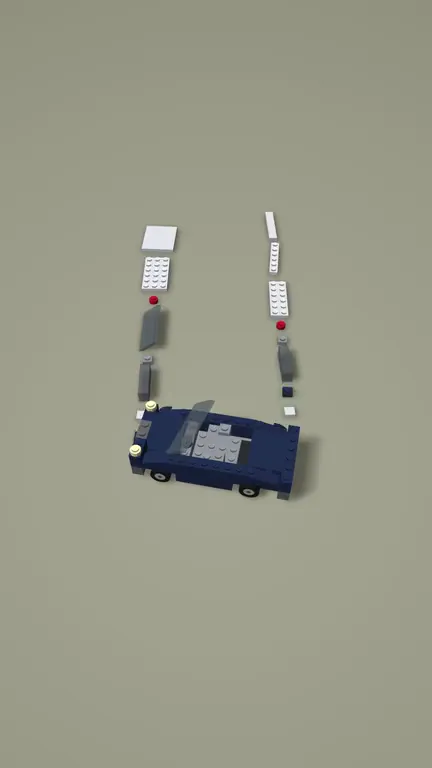
  1. Open Brick Build. Open Brick Build from the Create page or the ASMR video maker page. Studded plates, tiles, slopes and wheels slide along a conveyor queue and snap into a car. Customizing and previewing need no account. Open Brick Build in the studio
  2. Choose the sound. Snap sound is On or Silent. Sound set offers Plastic click, Soft ASMR, Wood and Chime, and Sound level sets the volume from 0 to 100.
  3. Calm the build down. Build speed and Snap settle change how calmly the pieces land. A slower build leaves room between the clicks, which suits a quiet clip.
  4. Pick the look and the final shot. Plastic finish and Parts supply set the look of the pieces. Reveal decides the last shot: Hero front 3/4, Close orbit, Top-down or Push in.
  5. Preview with headphones, then record. Preview the whole build with the sound on, ideally on headphones, and change the Sound set until it feels right. Signing up is free and lets you record and download the MP4.

Which games have ASMR sounds?

Each of these games makes its own sound and lets you change or switch it off. The longest clip is in brackets.

  • Brick Build (60 seconds): Snap sound On or Silent; Sound set Plastic click, Soft ASMR, Wood or Chime.
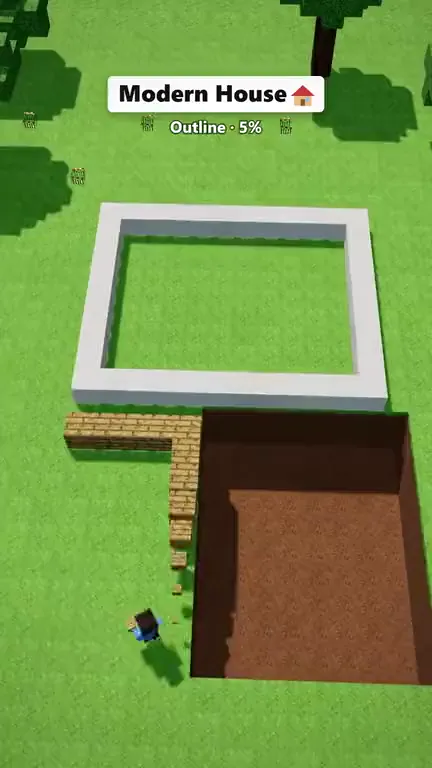
  • Blueprint Builder (90 seconds): a builder raises a house block by block in real 3D. Block pop sound On or Off; Pop timbre Soft pops, Wood knocks, Glass ticks or Marimba.
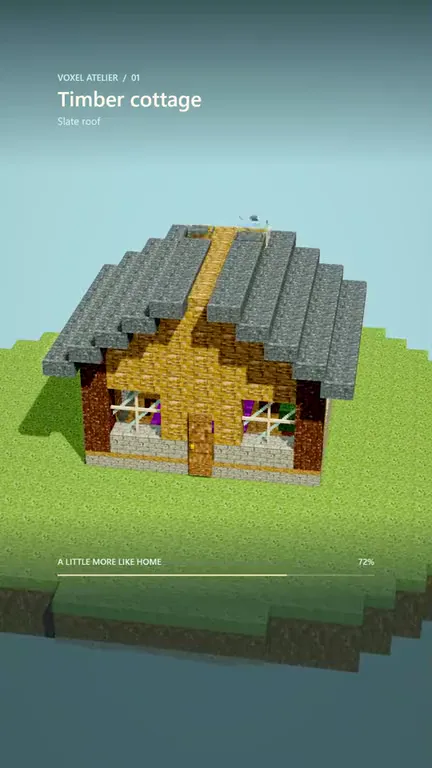
  • Voxel Builder (51 seconds): furnished rooms and gardens built block by block; Architecture Timber cottage or Mountain cutaway; Placement sounds On or Muted.
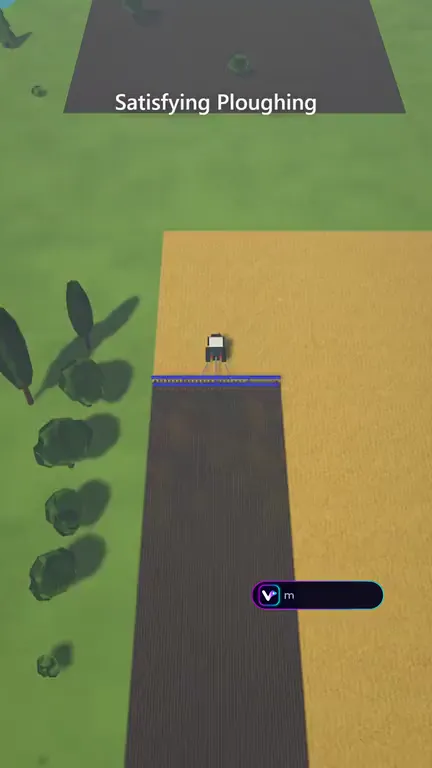
  • Satisfying Ploughing (90 seconds): a tractor turns crop into dark furrowed soil in neat passes; Engine and soil sound On or Silent, and Engine vs soil balance sets the mix.
  • Wobble Stack (90 seconds): soft blocks drop, wobble and get pressed until they burst; Block material Jelly, Furry, Steel, Mixed, Sugar gummy, Neon, Gold or Glass; Sound Match material, Soft, Arcade or Off.
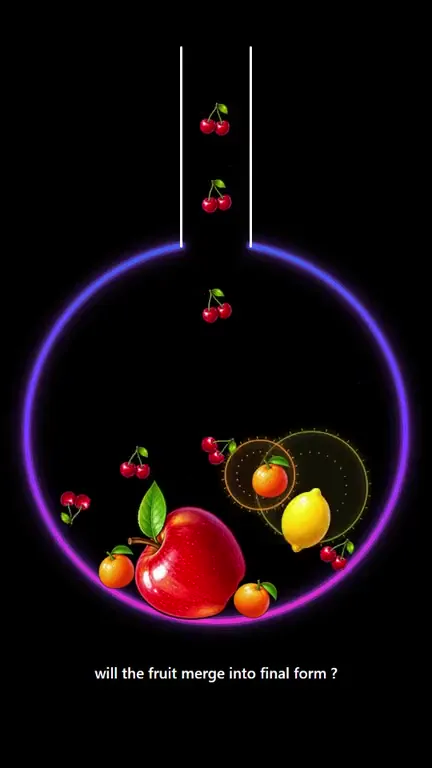
  • Fruit Merge (90 seconds): fruits drop, merge and evolve; Merge sounds On or Off, and Jelly squash makes them softer.
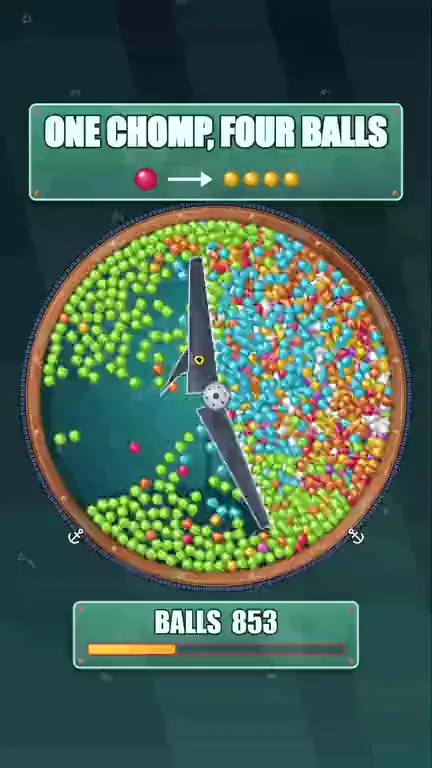
  • Chomp Tank (80 seconds): a snapping mechanism bites drifting balls into more balls; Sound set Crunch, Bubbles, Arcade or Marimba.
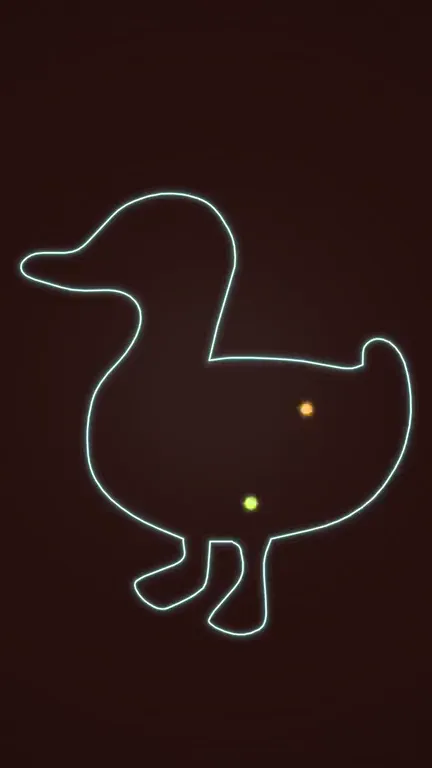
  • Silhouette Fill Loop (60 seconds): an outline fills and loops; Simulation includes Sand pour, Bubbles and Magnetic beads; Sound set Soft pops, Glass ticks, Wood taps or Bubble chirps.
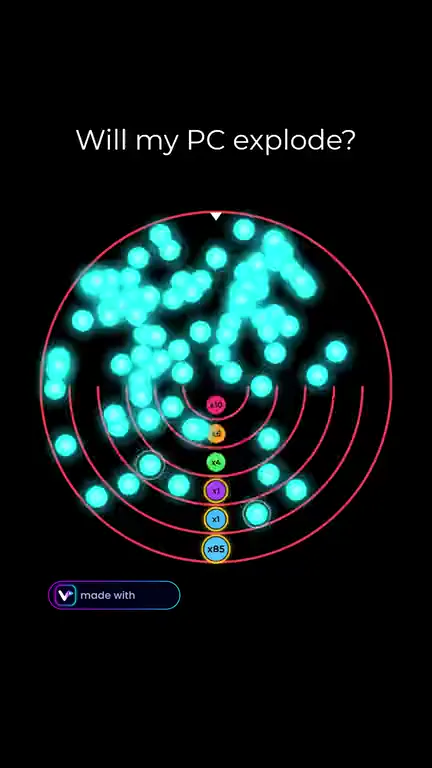
  • Will My PC Explode? (60 seconds): balls multiply around a neon ring while glass shatters; Sound set ASMR ticks, Arcade, Glass or Melody, and a Spiral ASMR Preset.
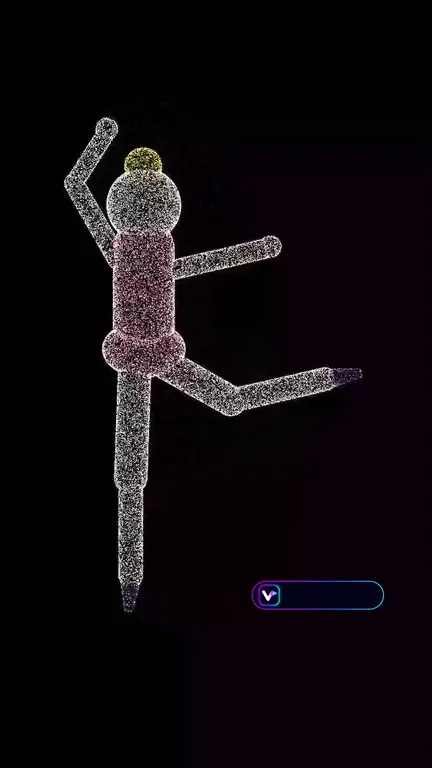
  • Spin Loop (60 seconds): a dot-cloud sculpture spins in a perfect loop; Sound Silent, Hum, Whoosh, Ticks or Chimes.

What settings make a calm ASMR video?

Three starting points to copy and then change to your taste:

  • Soft build: Brick Build with Sound set Soft ASMR, or Blueprint Builder with Pop timbre Soft pops, and a slow final shot such as Close orbit or Orbit.
  • Crunch and squish: Chomp Tank with Sound set Crunch, or Wobble Stack with Block material Sugar gummy and Sound Match material.
  • Sand and glass: Silhouette Fill Loop with Simulation Sand pour and Sound set Glass ticks, for a fill that loops back to the first ball.

Do I need a microphone or my own audio?

No. The sound is made by the game and is in the recorded MP4. If you would rather use your own audio, switch the game sound off (Silent, Off or Muted, depending on the game), record, and add your audio in the app you post with. Only use audio you have the rights to use.

How long is an ASMR video?

Voxel Builder records at most 51 seconds; Brick Build, Silhouette Fill Loop, Will My PC Explode? and Spin Loop at most 60; Chomp Tank at most 80; Blueprint Builder, Satisfying Ploughing, Wobble Stack and Fruit Merge at most 90. Most builds end on their own with a reveal, so you do not need to trim the clip.

For a clip that repeats, Silhouette Fill Loop shrinks back into the first ball and Loop cycles runs from 1 to 4, Spin Loop loops frame-exact, and Chomp Tank has an Ending called Burst + rewind loop.

What format and length do I get?

  • Format: a vertical 9:16 MP4 with the game sound, or silent if you switch the sound off.
  • Length: from at most 51 seconds (Voxel Builder) to at most 90 seconds, depending on the game.
  • Cost: preview is free without an account; the Free plan includes 2 recordings a day with a watermark.

Games for this guide

  • Brick Build preview frameBrick Build CREATOR: An original brick-vehicle speed-build: studded plates, tiles, slopes, fenders, glass and wheels slide along a conveyor and snap into a car on a matte studio floor, with a slow orbit and a hero reveal.
  • Blueprint Builder preview frameBlueprint Builder CREATOR: A floor-plan card, then a builder raises a house block by block in 3D before the final reveal.
  • Voxel Builder preview frameVoxel Builder CREATOR: A timber cottage or a mountain hideaway built block by block in real 3D, with furnished rooms and gardens.
  • Satisfying Ploughing preview frameSatisfying Ploughing CREATOR: A tractor pulls a wide implement across a field in neat passes, seen from a high chase camera. Crop turns into dark furrowed soil with crisp edges, headland turns, wind turbines, trees, roads and a river nearby.
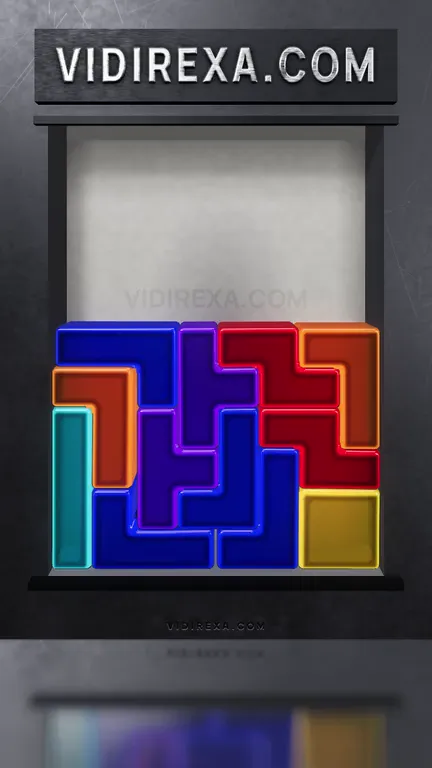
  • Wobble Stack preview frameWobble Stack CREATOR: Soft blocks drop into a 3D cabinet, land crooked and wobble until a press squashes the pile.
  • Fruit Merge preview frameFruit Merge PRO: Fruits drop, merge and evolve tier by tier into the crowned final form, and the clip ends on its own.
  • Spin Loop preview frameSpin Loop CREATOR: A dot-cloud sculpture spins on black in a perfect loop: the spinning-figure illusion where your brain can flip the direction. Pick a subject, the dot grain, colours, spin mode and loop length; every clip loops frame-exact.
  • Will My PC Explode? preview frameWill My PC Explode?: Balls multiply at x2, x5 and x10 gates in a neon ring until the flood of balls explodes the screen.
  • Chomp Tank preview frameChomp Tank: Snapping jaws bite drifting balls, every bite makes more, and the sealed tank bursts at the target count.
  • Silhouette Fill Loop preview frameSilhouette Fill Loop PRO: A glowing outline fills with balls, fluid, sand or beads, shrinks back to one ball and loops without a seam.

Video makers for this

Questions

Can I make ASMR videos without showing my face or hands?

Yes. Nothing is filmed: the game builds, pours or squishes by itself and plays its own sound, and you record the result as a video file.

Can I turn the sound off?

Yes. Every game in this guide has a sound switch or a silent option, such as Snap sound Silent in Brick Build or Placement sounds Muted in Voxel Builder.

Which ASMR videos loop?

Silhouette Fill Loop and Spin Loop loop without a seam, and Chomp Tank can end with Burst + rewind loop.

Is it free?

Preview costs nothing and needs no account. The Free plan includes 2 recordings a day, each with a small vidirexa.com watermark; Creator, Pro and Lifetime recordings have none. Each week some games need a paid plan and show a PRO or CREATOR badge.

More guides

All creator guides · Start creating