MERGE VIDEOS

How to make a fruit merge video

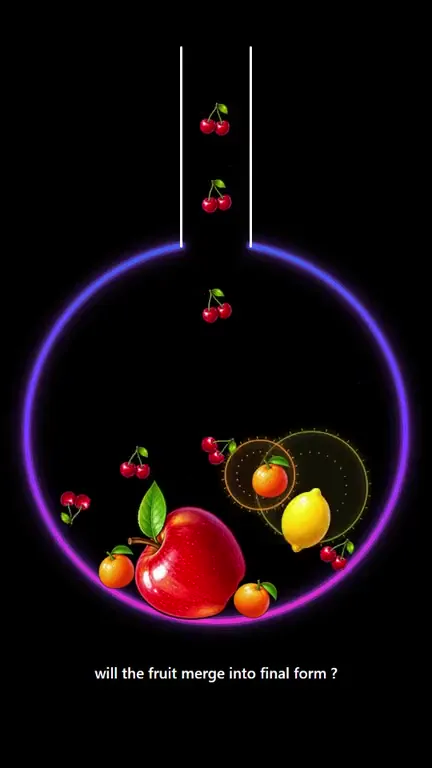
To make a fruit merge video, open Fruit Merge in Vidirexa, a browser studio. Choose a Container, a Style and the number of Evolution tiers, tune Fall speed, Bounciness and Jelly squash, then preview the run for free and record it. The fruits merge by themselves, and the clip ends about a second after the crowned final form, as a vertical 9:16 MP4.

A fruit merge video follows one rule: two equal fruits that touch combine into the next, bigger fruit. Tier by tier the pile grows, and the question viewers wait for is simple: will it reach the final form?

You do not play anything. The simulation drops, stacks and merges the fruit on its own, so your job is to set up a run whose build-up is steady and whose finish is easy to see on a phone.

Updated 22 November 2026.
How do I make a fruit merge video, step by step?

  1. Open Fruit Merge. Open Fruit Merge from the Create page or the merge video maker page. It runs in your browser, and customizing and previewing need no account. Open Fruit Merge in the studio
  2. Pick the container. Container sets the shape the fruits fall into: vessel, bowl, hexagon, funnel, diamond or capsule. A funnel or a diamond squeezes the stack into a tighter, more chaotic pile; a wide bowl gives a calmer build.
  3. Choose the style and the chain length. Style switches the look of the whole merge chain between neon, flags, orchard and pastel. Evolution tiers sets how many steps the chain has, from 2 to 7, before the crowned final form.
  4. Tune the physics. Fall speed, Feed interval (seconds), Bounciness, Friction, Jelly squash and Air drag decide how the fruits drop and settle. A shorter Feed interval (seconds) fills the container faster; more Jelly squash and less Friction make the fruits softer and bouncier.
  5. Write the title and pick the colour. Video title starts as "will the fruit merge into final form ?" and takes your own question. Accent sets the highlight colour. Merge sounds is On or Off; switch it off if you want to add your own audio later.
  6. Preview, then record. Press preview and watch the whole run. Repeatable seed decides how the fruits fall, so the same seed and settings replay the same merge; change it for a different run. When you like it, record the clip. Signing up is free and lets you save and download the MP4.

Which merge game should I use?

All of these play a whole merge chain by themselves and end on their own. They differ in what merges and how the clip looks.

  • Fruit Merge: fruits drop into a container, merge and evolve tier by tier into the crowned final form.
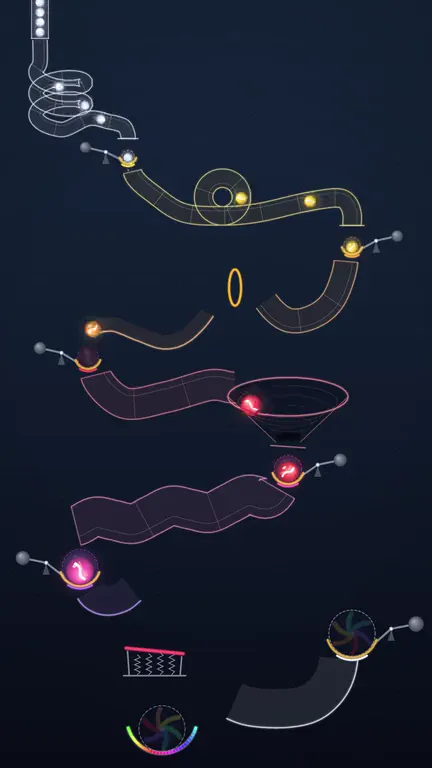
  • Marble Machine: a hopper feeds marbles into counter-weighted cups that fuse them into bigger marbles and tip them through loops and funnels until the rainbow marble lands. Machine layouts include Coaster, Pinball and Vortex.
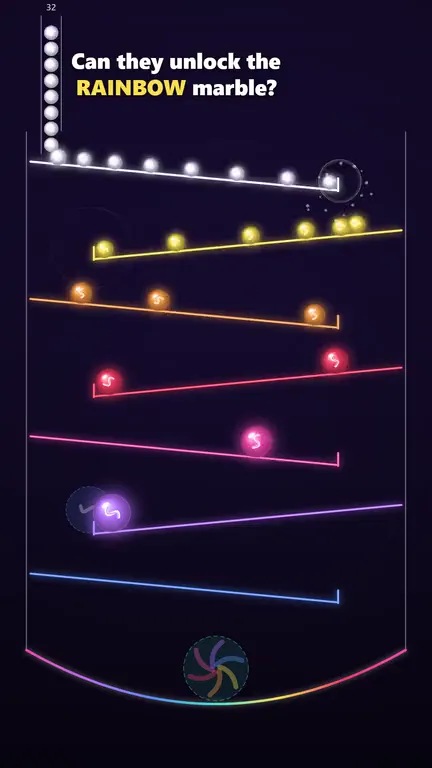
  • Ball Slide: marbles slide down alternating neon ramps and merge at the ramp lips into a rainbow marble; you set the number of ramps, marbles per merge, ramp slope, speed and bounce.
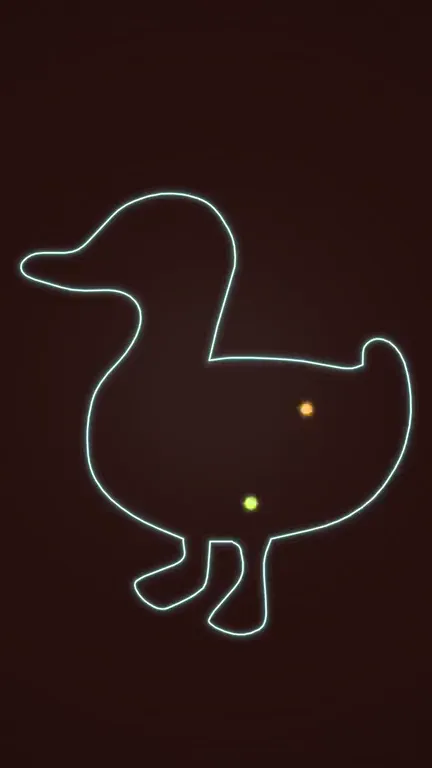
  • Silhouette Fill Loop: multiplying balls, sand, fluid or beads fuse into a swirling fill inside a glowing outline, then shrink back into the first ball so the clip loops.

What settings make a good fruit merge video?

Three starting points to copy and then change to your taste:

  • Soft and calm: Container bowl, Style pastel, more Jelly squash, less Friction and Merge sounds On, for a gentle, ASMR-style merge.
  • Fast and chaotic: Container funnel or diamond, a short Feed interval (seconds) and a higher Fall speed, so the stack fills quickly and the merges come in bursts.
  • Flag chain: Style flags with all seven Evolution tiers, for the same merge chain in a different look and the longest build to the final form.

How long is a fruit merge video?

Fruit Merge has no length setting. The clip ends about a second after the crowned final form appears, and 90 seconds is the maximum. To shorten the build-up, lower Evolution tiers, shorten Feed interval (seconds) or raise Fall speed; for more tension, keep all seven tiers. Preview again after each change, because every setting changes the run.

How do I post a fruit merge video?

Put the question on screen from the first frame. The default Video title already asks it, or write your own, such as "Can it reach the crown?". In the caption, ask viewers to guess the second the final form appears. Try two styles with the same settings and keep making the one your viewers finish more often.

  • The file is already vertical 9:16, so it fills the screen without cropping.
  • Keep the title short so it stays readable on a phone.
  • Post a rematch: the same Repeatable seed with a different Style shows the same run in a new look.

What format and length do I get?

  • Format: a vertical 9:16 MP4 with the merge sounds, or silent with Merge sounds Off.
  • Length: ends about a second after the final form; at most 90 seconds in Fruit Merge.
  • Same run again: the same Repeatable seed and settings replay the same merge.
  • Cost: preview is free without an account; the Free plan includes 2 recordings a day with a watermark.

Games for this guide

  • Fruit Merge preview frameFruit Merge PRO: Fruits drop, merge and evolve tier by tier into the crowned final form, and the clip ends on its own.
  • Marble Machine preview frameMarble Machine CREATOR: A hopper feeds small marbles into a chain of counter-weighted cups. Each cup fuses the marbles it catches into a bigger marble of the next colour and tips it onto the next contraption, until the rainbow marble lands in the bowl.
  • Ball Slide preview frameBall Slide PRO: Marbles slide down a tower of alternating neon ramps; two that meet at a ramp lip merge into a bigger marble of the next colour until the rainbow marble forms in the bowl. A second rule set rolls one steel ball through self-healing glass pillars and multiplies its weight with every break.
  • Silhouette Fill Loop preview frameSilhouette Fill Loop PRO: A glowing outline fills with balls, fluid, sand or beads, shrinks back to one ball and loops without a seam.
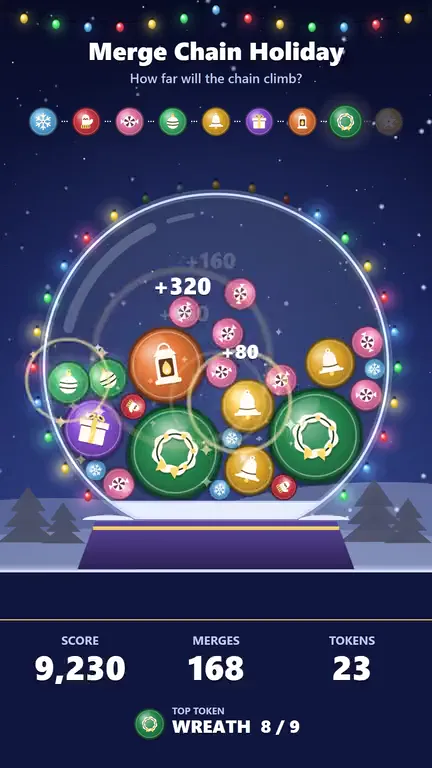
  • Merge Chain Holiday preview frameMerge Chain Holiday: Holiday tokens merge on the beat of a carol, from snowflake up to the crown star, before the glass overfills.

Video makers for this

Questions

Is this the fruit merge game I play on my phone?

No. Fruit Merge is an original merge simulation that plays itself: fruits fall, combine and evolve automatically, so you get a finished clip without playing.

Can I choose how many tiers the fruit goes through?

Yes. Evolution tiers sets the length of the merge chain, from 2 to 7 tiers, before the crowned final form.

Can I use flags instead of fruit?

Yes. Style offers neon, flags, orchard and pastel, so the same merge chain can run in a flag look or a different fruit look.

Can I turn the merge sounds off?

Yes. Merge sounds is On or Off. Record a silent version if you want to add music in the app you post with, and use only music you have the rights to use.

Is it free?

Preview costs nothing and needs no account. The Free plan includes 2 recordings a day, each with a small vidirexa.com watermark; Creator, Pro and Lifetime recordings have none. Each week some games need a paid plan and show a PRO or CREATOR badge.

More guides

All creator guides · Start creating